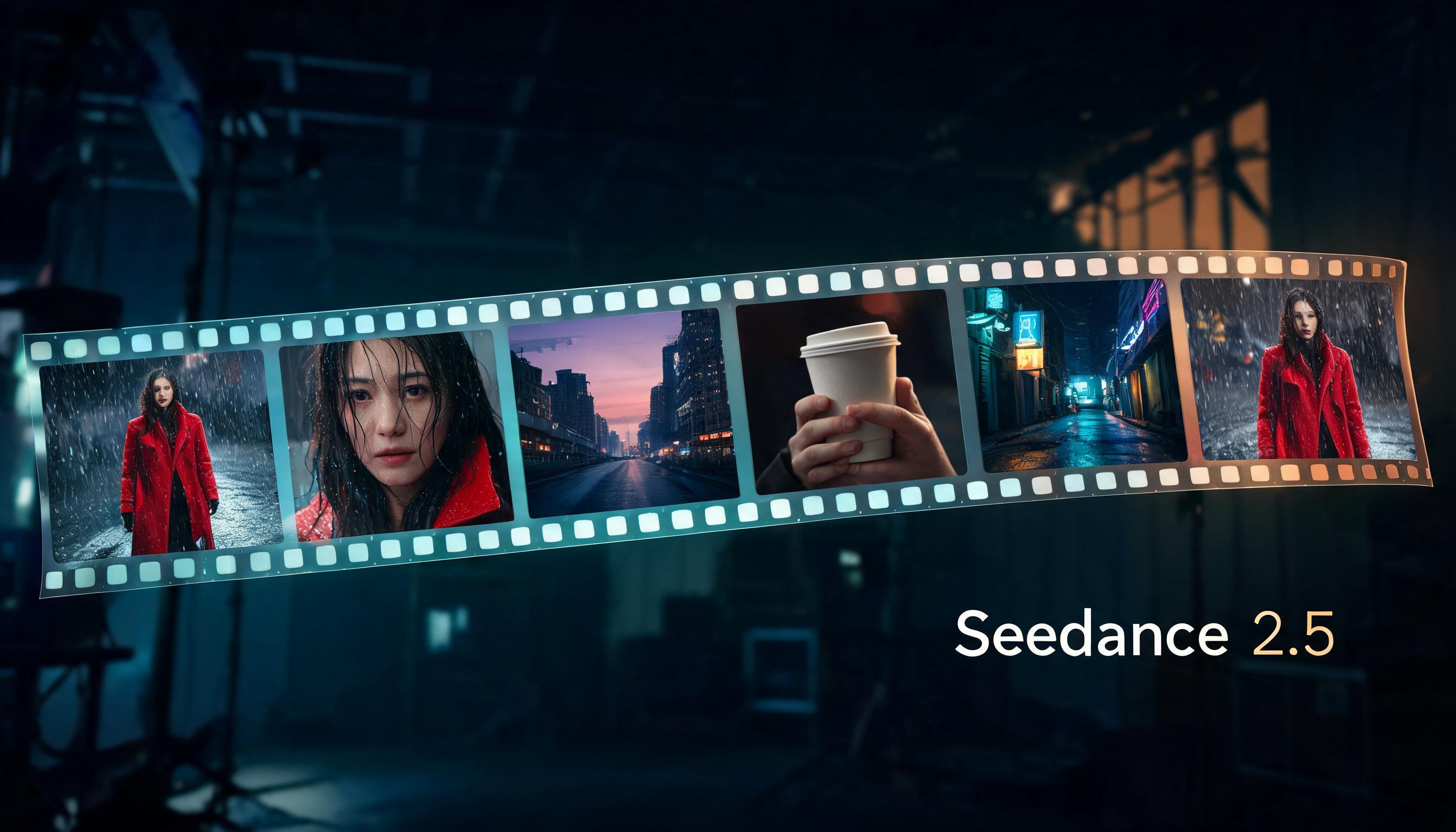
ByteDance released Seedance 2.5 on August 7, and as of today you can run it on WunderNode. I spent the weekend testing it before we turned it on. Most of what the release notes promise held up. A couple of things didn’t behave the way I expected, and one of them will waste a generation if you don’t know about it, so I’ll cover both.
The headline change: 30 seconds, one pass
Every Seedance version until now topped out well short of this. Seedance 2.0 gave you 4 to 15 seconds. Seedance 2.5 goes to 30, and it can cut between shots inside that window on its own.
That second part matters more than the number. You can describe an opening wide shot, a cut to a close-up, and a final freeze frame in one prompt, and the model edits the sequence itself while keeping the same character, wardrobe, and lighting across cuts. With 2.0 I was generating shots one at a time and lining them up in an editor. For short ads and social clips, 2.5 collapses that whole assembly step.
Audio comes with every generation. Ambient sound, effects, lip-synced dialogue if your prompt calls for speech. The test clips I ran all came back with clean stereo tracks, and turning audio on changes nothing else about the request.
Three modes
Text to Video works how you’d expect. Prompt in, clip out, 4 to 30 seconds at 480p or 720p.
Image to Video animates a start frame, with an optional end frame if you want the clip to land on a specific image. The output follows your input image’s shape, though. I fed it a portrait-ish photo and got a 748x562 video back. There’s no aspect ratio control in this mode, and that’s by design, so crop your source image to the shape you want first.
Reference to Video is where 2.5 pulls ahead of everything else we host. It accepts up to 30 reference images, 10 reference videos, and 10 audio clips in one request. You tag them in the prompt as @Image1, @Video1, @Audio1 and direct them like set pieces. You can even skip images entirely and hand it nothing but an audio track to build a video around, which 2.0 refused to do.
What I measured
My test clips were 4 seconds at 480p. Text to video came back in just under two minutes. Image to video took about three and a half. Reference to video was the slowest at just under five minutes. Longer clips take proportionally longer, so plan your time accordingly if you’re iterating on a 30-second sequence.
The quirk that will waste a generation
One of my first text-to-video runs failed with a content policy error I hadn’t seen before: the model generated background music that tripped a copyright filter on the output audio. Not my prompt. The audio it invented on its own.
The fix is simple. If you don’t need music, say so in the prompt. I re-ran the same scene with “only natural ambient sound: soft rain patter, no music” and it went through cleanly. Failed generations don’t produce a video, so it’s worth adding a line like that to any prompt where you’ve left the soundtrack up to the model.
Resolution
480p, 720p and 1080p are all available, and the rate scales with each step up. Aspect ratio makes no difference to the request, and neither does turning audio on or off. I rough sequences out at 480p and re-render the keeper at 720p, which is quicker to iterate on as well.
Should you switch from 2.0?
If your work is single shots under 15 seconds, 2.0 is lighter and perfectly good. The reasons to move are longer sequences, multi-shot prompts, heavier reference stacks, and audio-driven generation. My face-reference workflow from the Seedance 2.0 tutorial carries over unchanged, and rejections seem no more frequent than before, though I’ve only pushed a handful of faces through so far.
Since writing this I’ve made two short films on 2.5, and the multi-shot prompting is the feature that changed how I work rather than the length. The whole method is in How to Make an AI Short Film.
All three modes are live in the node picker now. The cover image on this post came out of a WunderNode graph too, if you want a sense of what the Seedream side of ByteDance’s stack does with a one-paragraph prompt.