Watch the video tutorial
In the video, I show the full workflow inside WunderNode, including the original face reference, the edited grid and mesh versions, and the final Seedance result.
Seedance 2.0 is one of the stronger AI video models right now, but if you’ve tried using face references, you’ve probably hit the same issue I did:
Face references can get rejected before the video even starts.
And I don’t just mean celebrities or public figures. Sometimes Seedance rejects your own face, an AI-generated character, or a fictional face you created from scratch.
That gets frustrating fast, especially if you’re trying to build a consistent character workflow.
In this tutorial, I’ll walk through two ways to prepare a face reference before sending it into Seedance 2.0:
- adding a light grid overlay
- adding a digital facial mesh
Both methods use a simple image edit step. The grid can work, but in my experience, the mesh method is much more reliable.
The problem: Seedance 2.0 can be strict with face references
Seedance is careful with likenesses, which makes sense. AI video models need safeguards around faces.
But in practice, the filter can be too strict.
You might upload a valid face reference and still get rejected. This can happen with:
- your own face
- AI-generated characters
- fictional characters
- UGC-style avatars
- AI spokespersons
- character references for a short-form series
The frustrating part is that the workflow stops before you even get a chance to generate the video.
So the goal is not to create a different character. The goal is to keep the identity of the character while preparing the image in a way Seedance is more likely to accept.
The basic workflow
The workflow is simple:
Face Reference -> Image Edit -> Prepared Reference -> Seedance 2.0We start with a regular face reference image.
Then we create an edited version of that same image. That edited version becomes the new face reference we send into Seedance.
There are two versions I use:
- grid overlay version
- digital mesh version
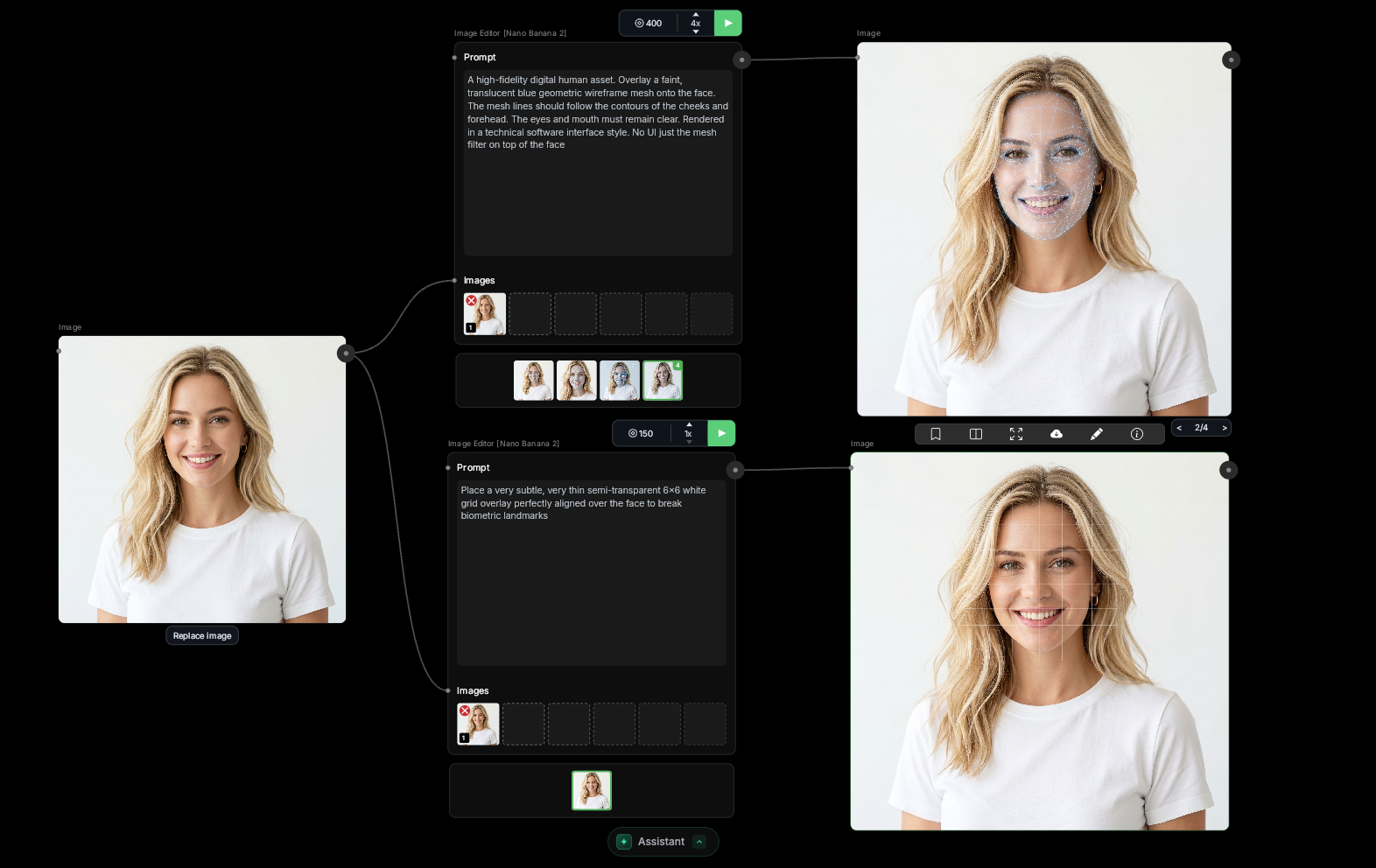
Method 1: Grid overlay
The first method is adding a light grid over the face.
This is a simple image edit. We keep the face readable, add a subtle grid over it, and use that edited image as the new face reference for Seedance.
The grid method can work. Sometimes it’s enough to get the face reference accepted.
But it can also be inconsistent. In some cases, Seedance still rejects the image.
That’s why I treat this as the basic method.
Useful? Yes. My go-to? Not usually.
Grid overlay prompt
Use a prompt like this in your image edit node:
Place a very subtle, very thin semi-transparent 6x6 white grid overlay perfectly aligned over the face to break biometric landmarks.After running the image edit, you should get a version of your face reference with a light grid applied.
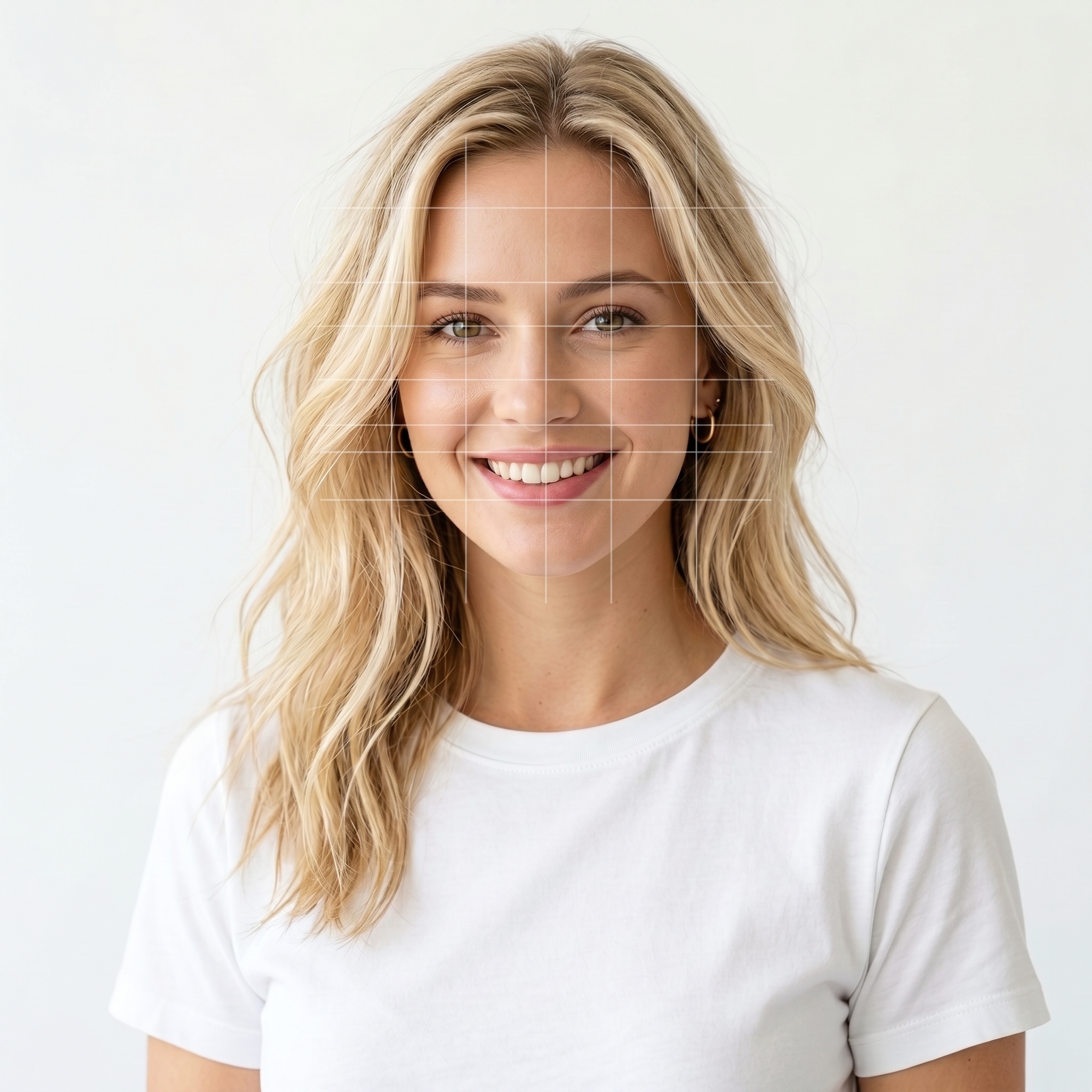
This method can be hit or miss.
Sometimes it works. Sometimes it still gets rejected.
That’s where the second method comes in.
Method 2: Digital facial mesh
The second method is adding a digital mesh over the face.
This uses the same basic image edit process, but instead of adding a flat grid, we add a facial mesh that follows the structure of the face.
This is the method I usually use.
Why?
Because the mesh keeps more of the important face structure:
- face shape
- proportions
- facial layout
- feature placement
- overall character identity
A flat grid just sits on top of the image. A mesh follows the face.
That difference matters.
In my experience, the mesh version is much more reliable for getting face references accepted while still keeping the character recognizable.
Digital mesh prompt
Use a prompt like this in your image edit node:
A high-fidelity digital human asset. Overlay a faint, translucent blue geometric wireframe mesh onto the face. The mesh lines should follow the contours of the cheeks and forehead. The eyes and mouth must remain clear. Rendered in a technical software interface style. No UI just the mesh filter on top of the faceOnce the image edit runs, you should get a face reference with a digital mesh over the character’s face.
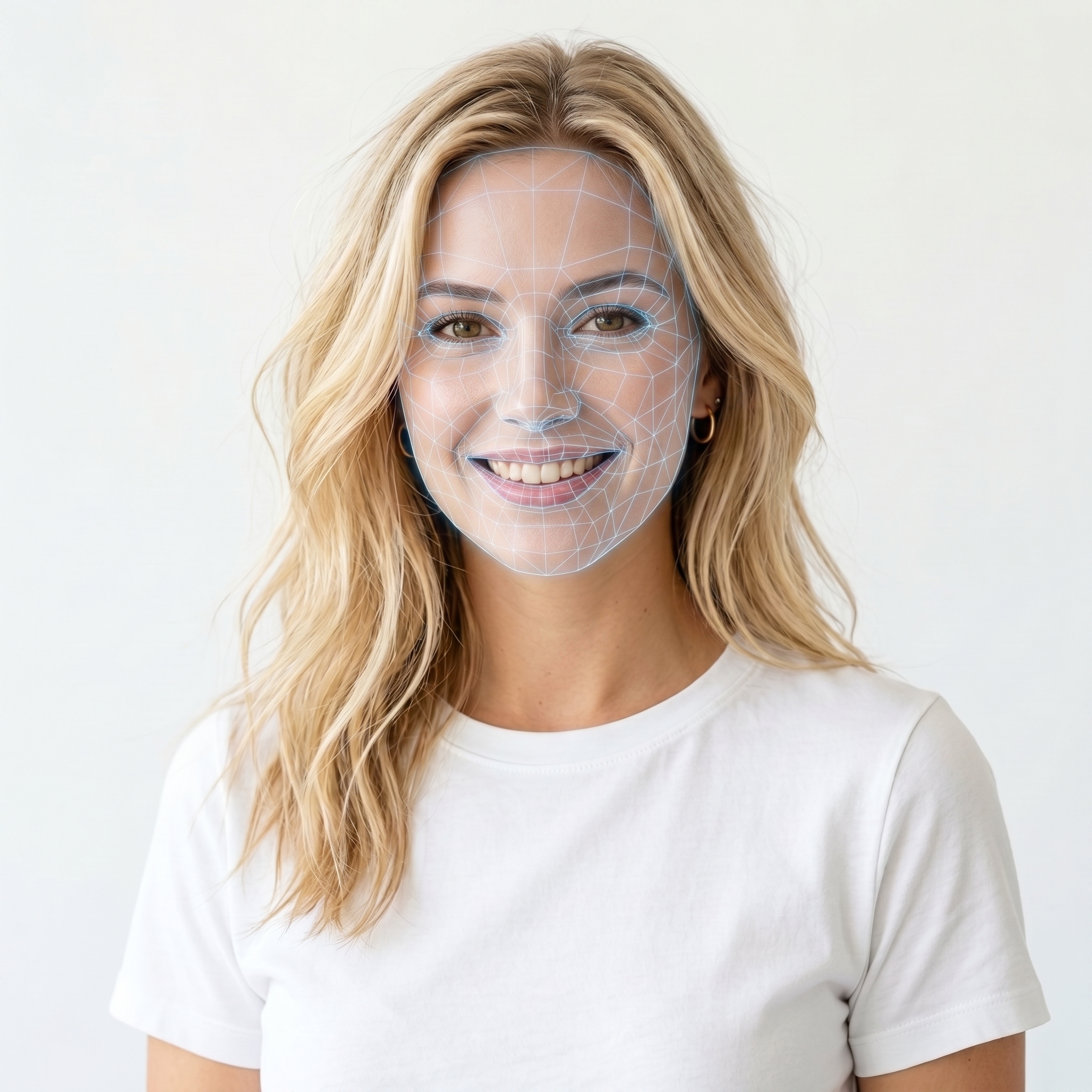
Then use that mesh version as the face reference going into Seedance.
This has worked much better for me.
The face still reads as the same character, but the reference is much less likely to get rejected before generation starts.
That’s really the goal. We want Seedance to understand the character while making the face reference more likely to be accepted.
Why this works well in WunderNode
I built this as a reusable workflow in WunderNode.
That means I don’t have to rebuild the process every time. I can drop in a new face, generate the grid version, generate the mesh version, and send the prepared reference into Seedance.
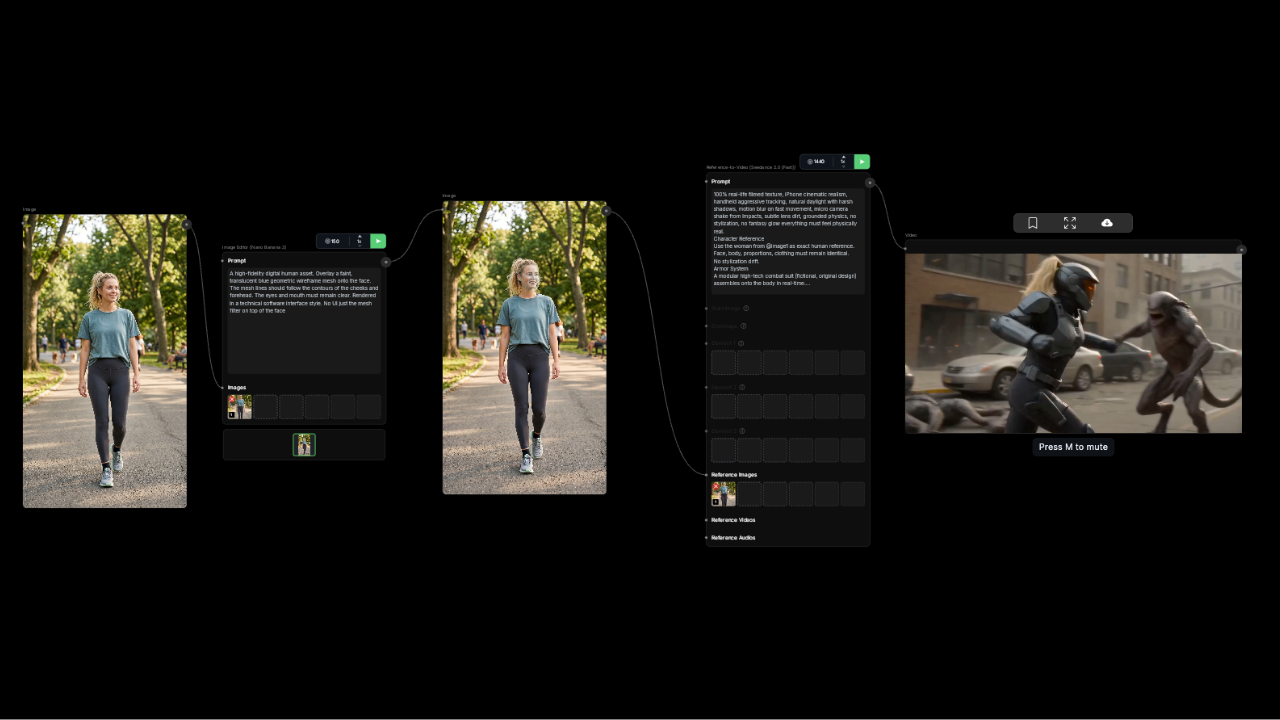
This is especially useful if you’re working on:
- AI spokesperson videos
- UGC-style characters
- personal avatar videos
- fictional characters
- consistent character workflows
- short-form video series
Instead of jumping between multiple tools, the whole process stays visible on the canvas.
Download or try the template
Open the Seedance 2.0 face reference fix template
The template includes:
- original face input
- grid overlay image edit step
- digital mesh image edit step
- Seedance 2.0 reference setup
- prompt placeholders
Final thoughts
Seedance 2.0 is a strong AI video model, but face references can be frustrating when valid images get rejected.
The grid method can help.
But for me, the digital mesh method has been much more reliable.
It keeps the character recognizable, preserves the important facial structure, and makes the face reference more likely to work inside Seedance.
If you’re building videos with recurring characters, UGC-style creators, personal avatars, or AI spokespersons, this workflow can save a lot of trial and error.
One update since I wrote this. On Seedance 2.5 photoreal faces pass without any of this, so character sheets can be wired in directly and the grid and mesh trick is only worth keeping in your back pocket in case the filter returns. Keeping a character consistent across a whole film is a bigger problem than getting one face accepted, and I’ve written up the full method in How to Make an AI Short Film.
Sign up for WunderNode and open the Seedance 2.0 face reference fix template.